Clever
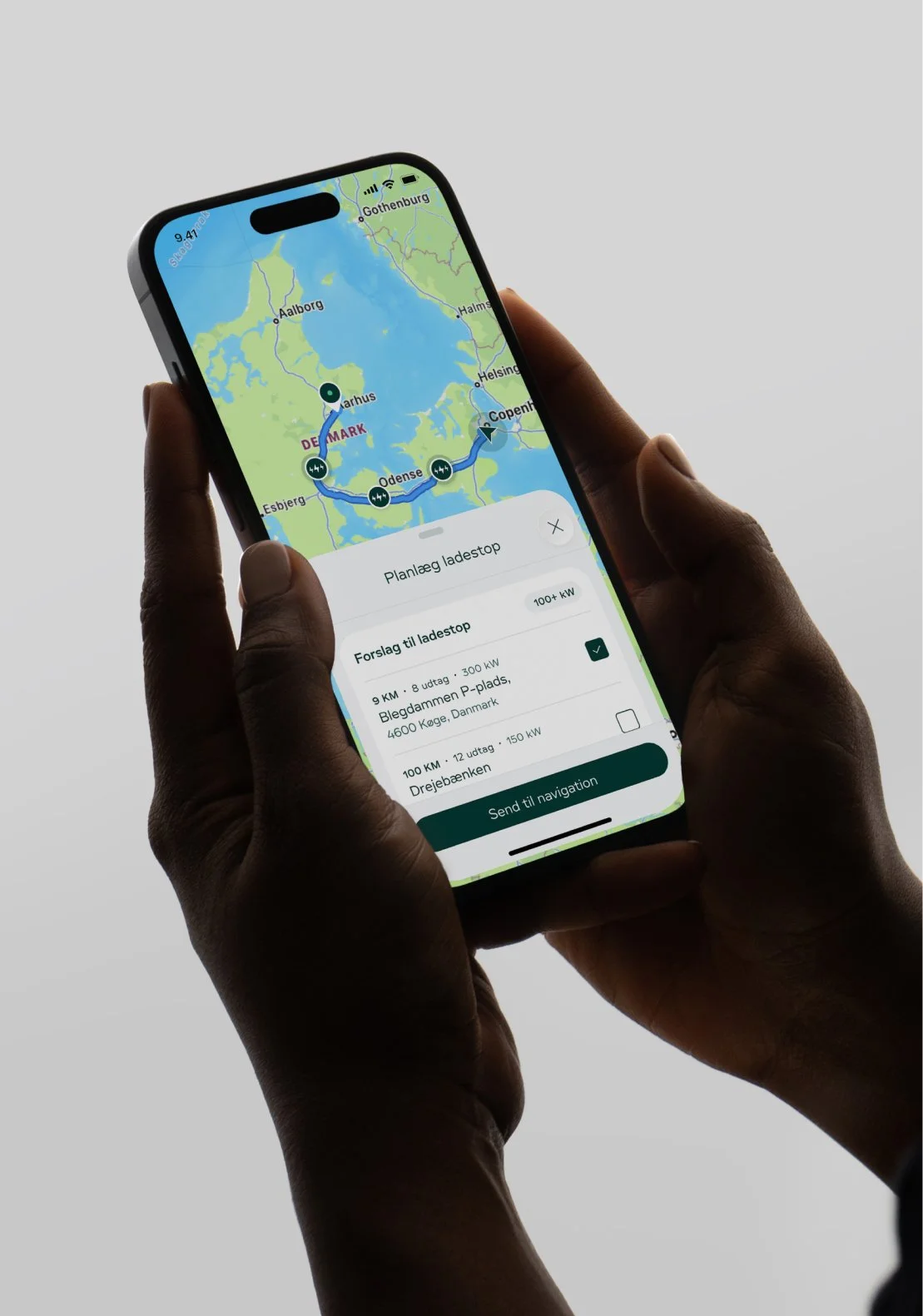
At Clever, I work as a Product Designer in a cross-functional team. I am responsible for designing and refining customer-facing interfaces across mobile and in-car experiences, working closely with Product Owners, UX Designers, and Frontend and Backend Developers. As a Product designer I also own and maintain our design system in close collaboration with our developers.
Our goal is to make charging on the road as effortless as possible. My work spans a wide range of products and features, including search and map experiences, CarPlay and Android Auto integrations, filtering tools, route planning, and solutions that enable users to start charging sessions quickly and easily through the app.
Role: Senior Product Designer
Others: UX Designer, iOS, Android and backend developers
Route planning
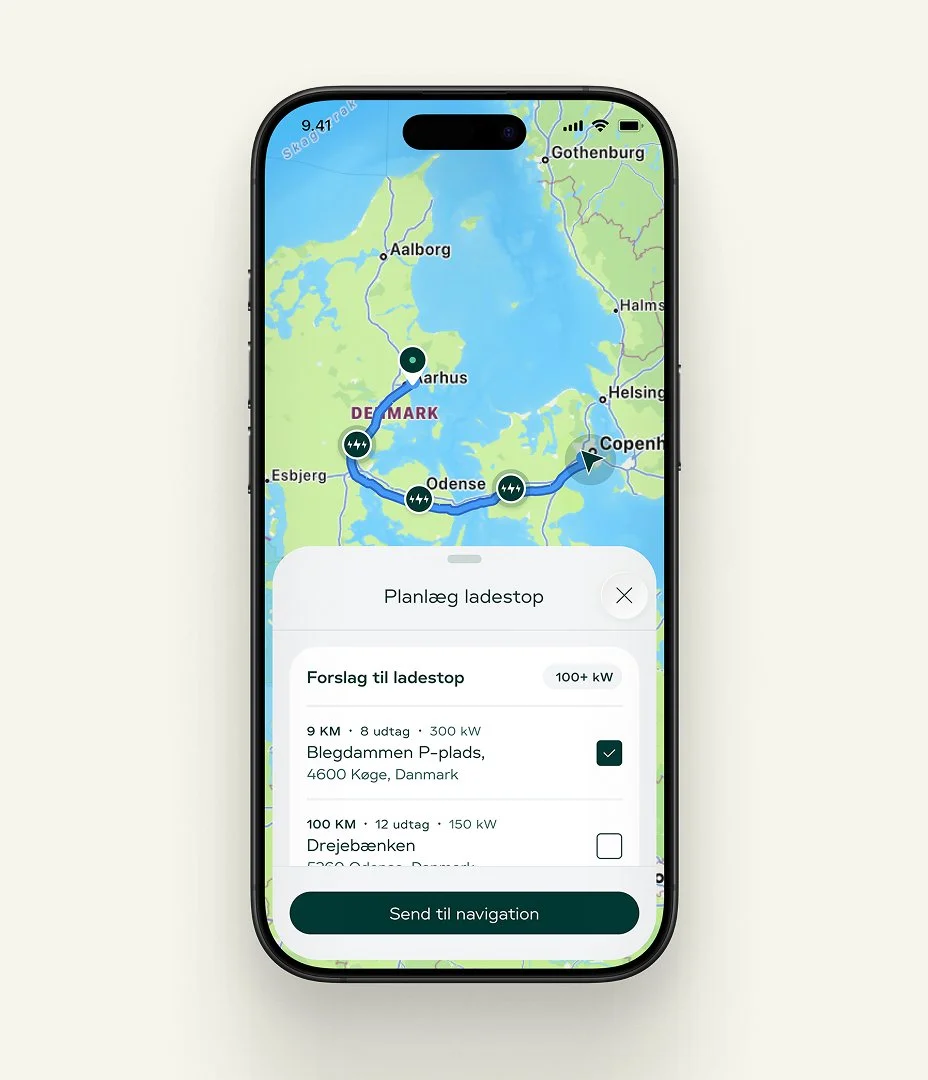
Based on our insights, we know that it is a pain point for some users to find the most relevant charging points when going on a trip, often to places they are unfamiliar with. Additionally, there are still many cars that cannot plan charging stops on their own.
This is a problem we really want to solve, and therefore we have developed a solution we call “suggested charging stops”, where we present the user with our recommendation of relevant charging stops along the route.
4500 routes are created weekly and 2500 are shared with Google/Apple Maps.
Better overview and filtering
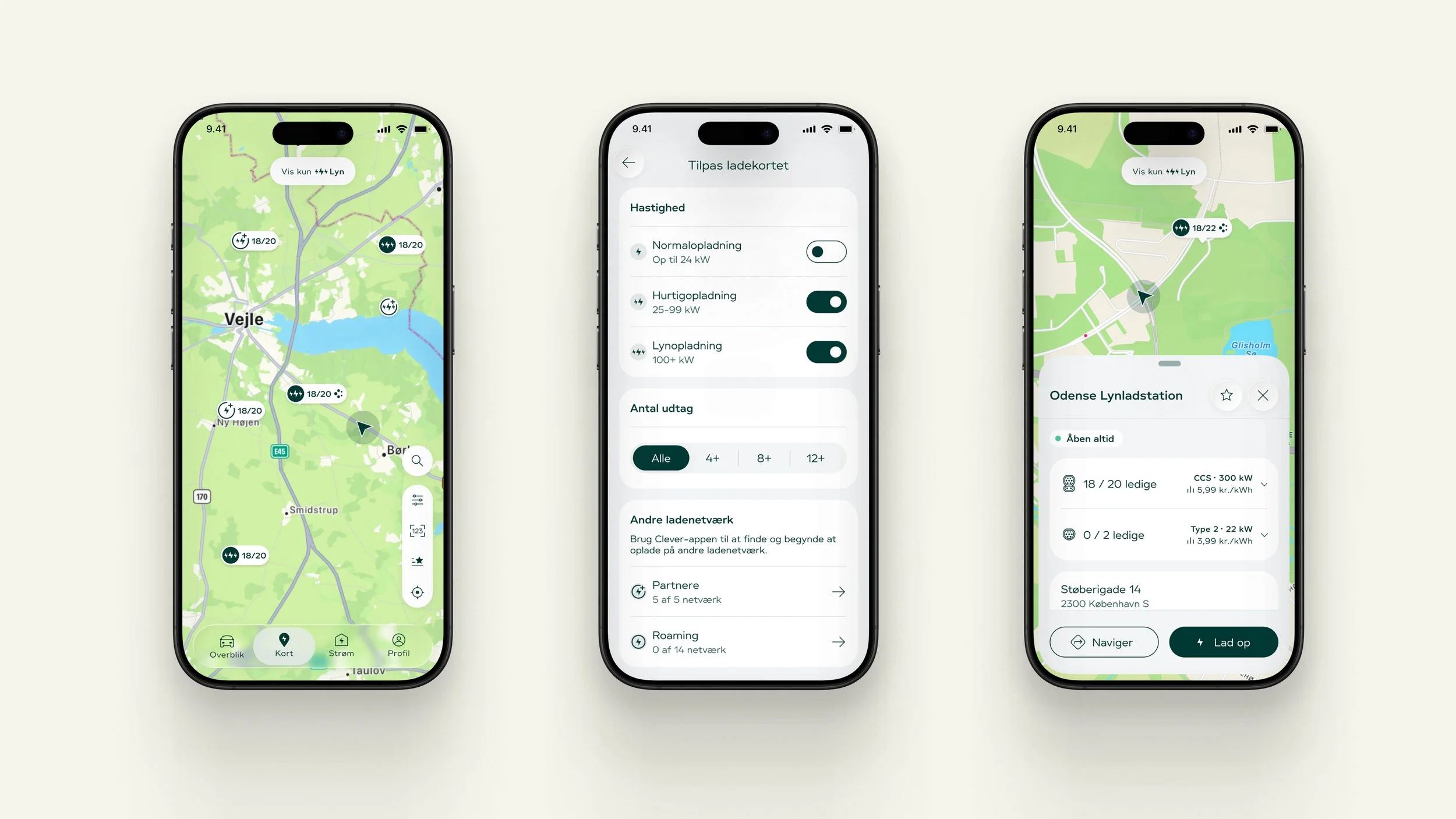
To make it easier for users to get an overview of relevant charging options, we have also created a quick-filter directly on the map, which makes it easy to view fast-charging points only.
We have also worked on highlighting our fast-charging stations with a brand mark symbol. At the map level, this symbol is intended to give users an indication that the location is special and offers a higher level of service than others (e.g. Clever Café, restrooms, etc.).
Accessibility
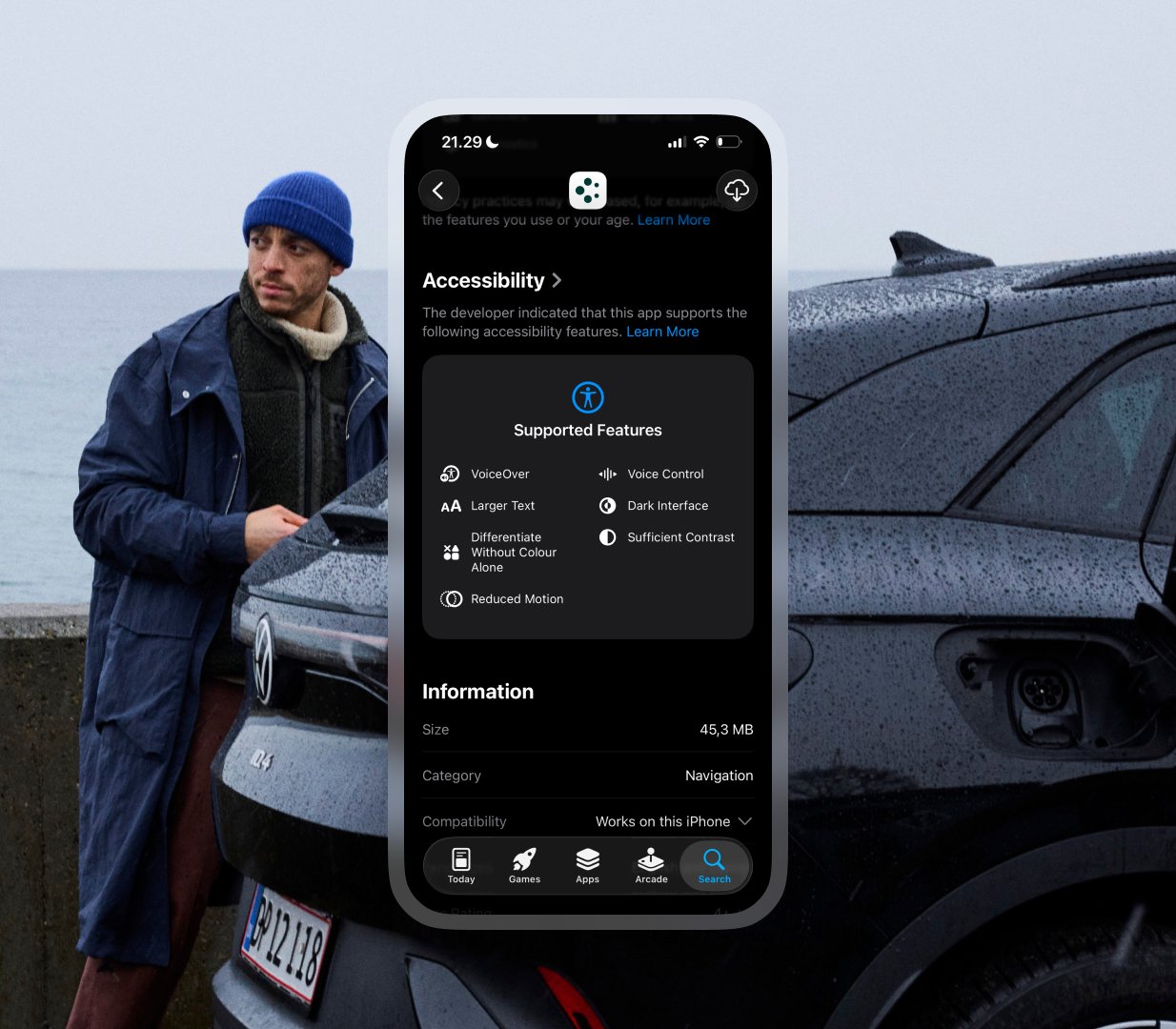
The purpose of this project was to ensure that our app meets the requirements set out in the EU Accessibility Act. We must ensure that the app is accessible to all users, regardless of disability.
Through the implementation and testing of these principles, we were working towards a more inclusive user experience, ensuring compliance while simultaneously creating better accessibility for all. Keep in mind that 33% of the userbase have adjusted their font size in system settings, so supporting it was a no brainer.
In the App Store, you can see which features are supported.
Improved charging experience
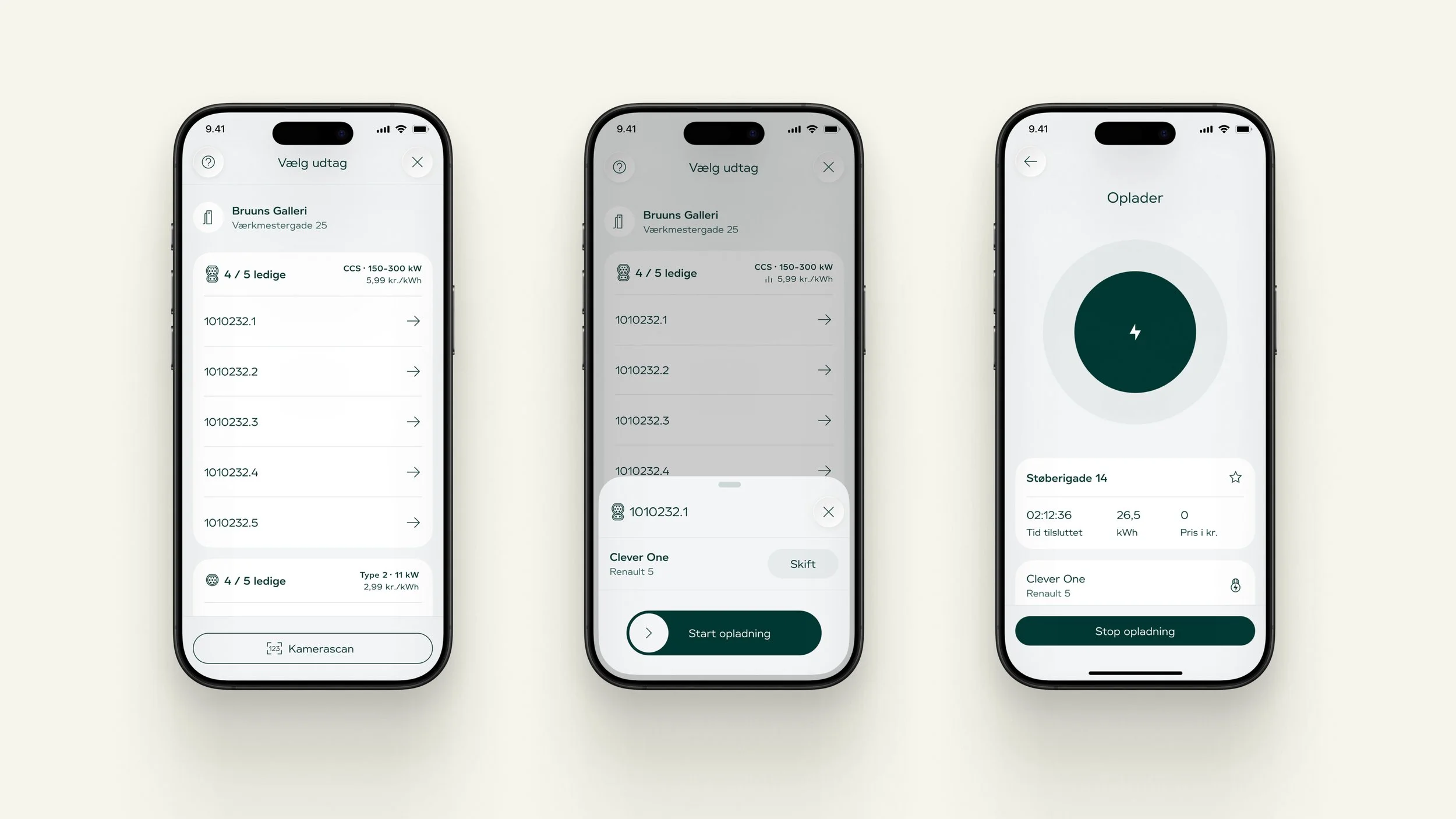
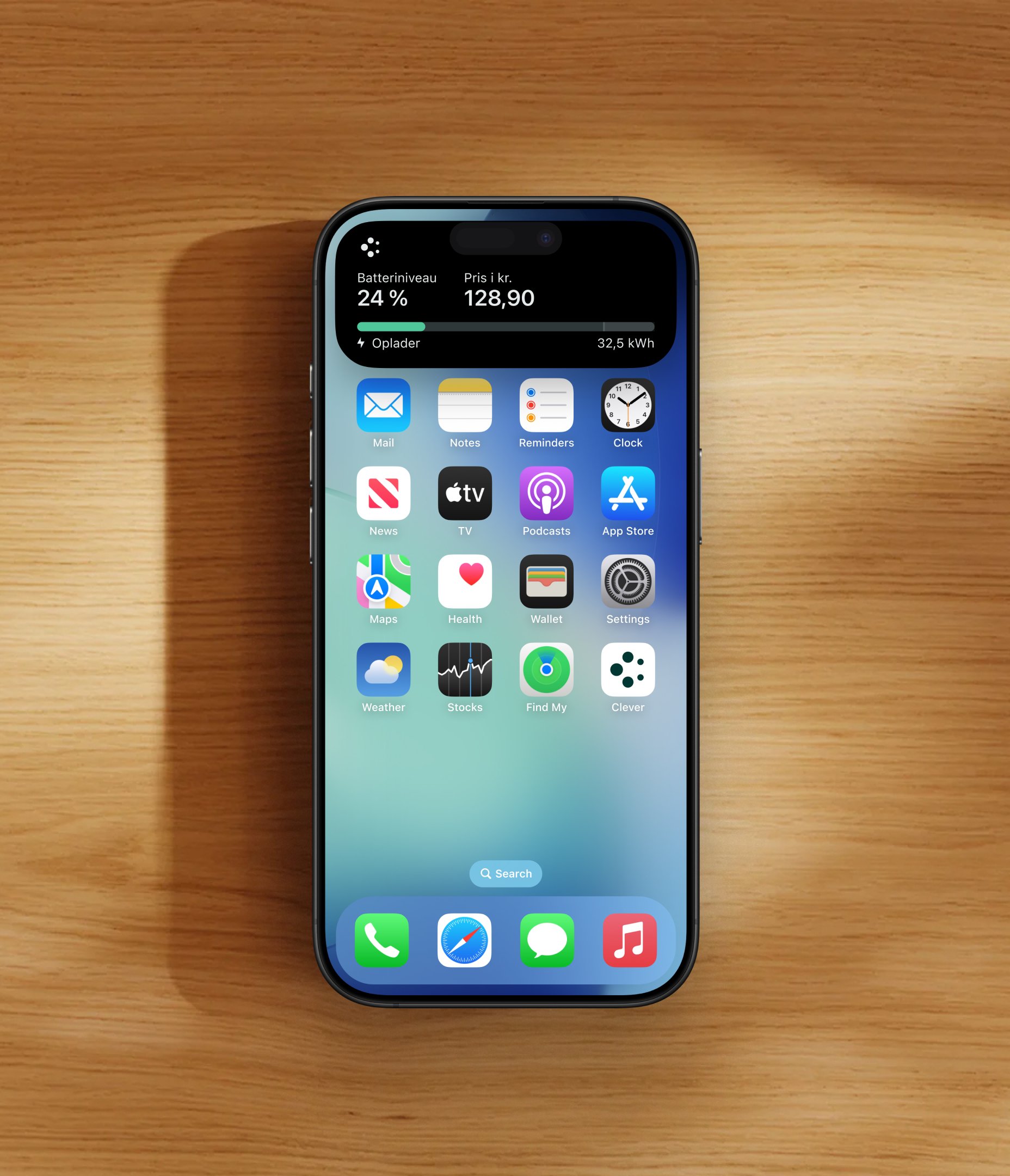
To simplify the charging experience, we have completely rebuilt the charging flow from the ground up for both Android and iOS. The previous flow was designed at a time when electric vehicles were still a a new thing, resulting in an unnecessarily high number of steps for the user to complete. The new flow reduces this complexity, users simply select an outlet and start the charging session or use the camerascanner. Any active charging session is visible as a live activity on both iOS and Android.
Design system
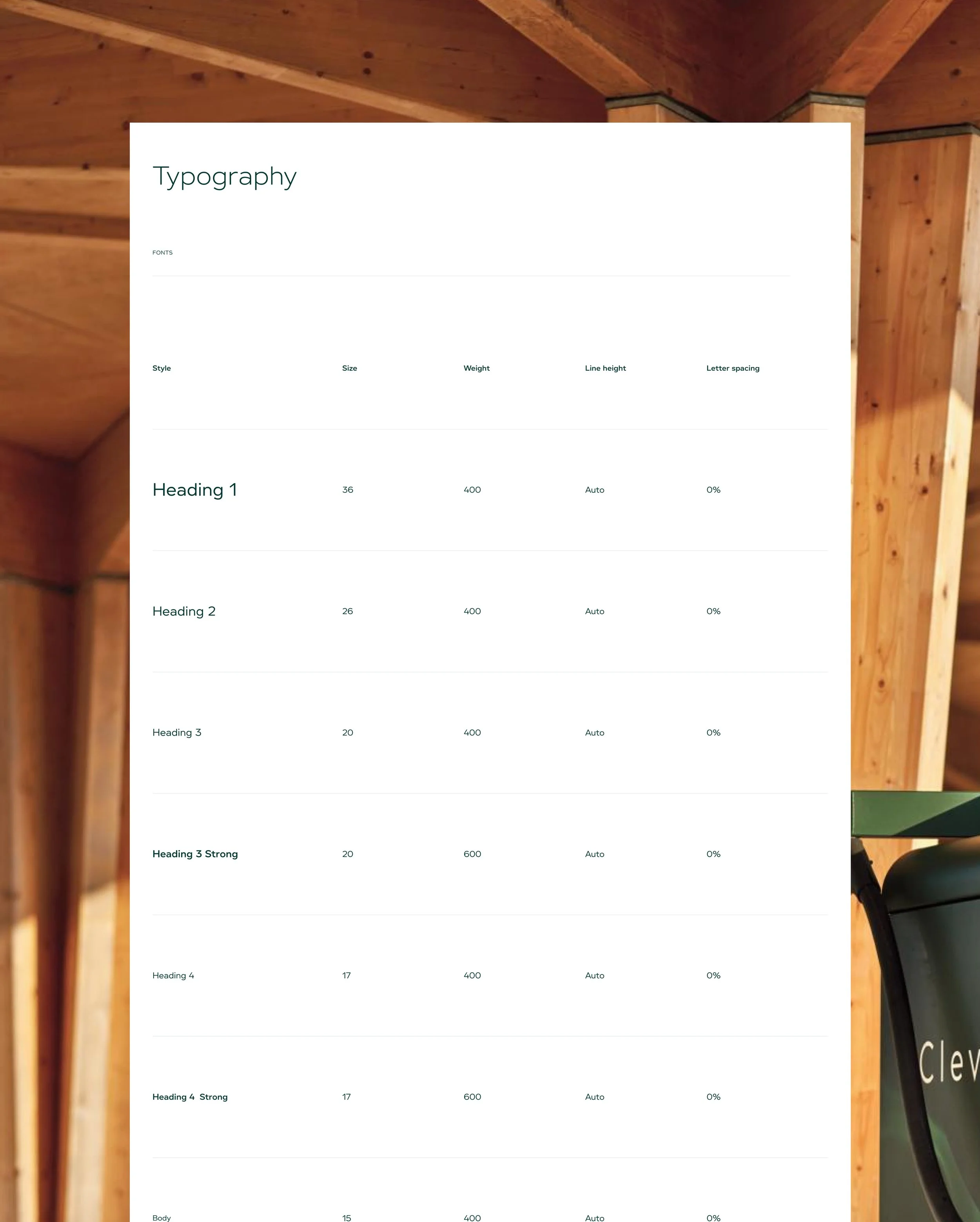
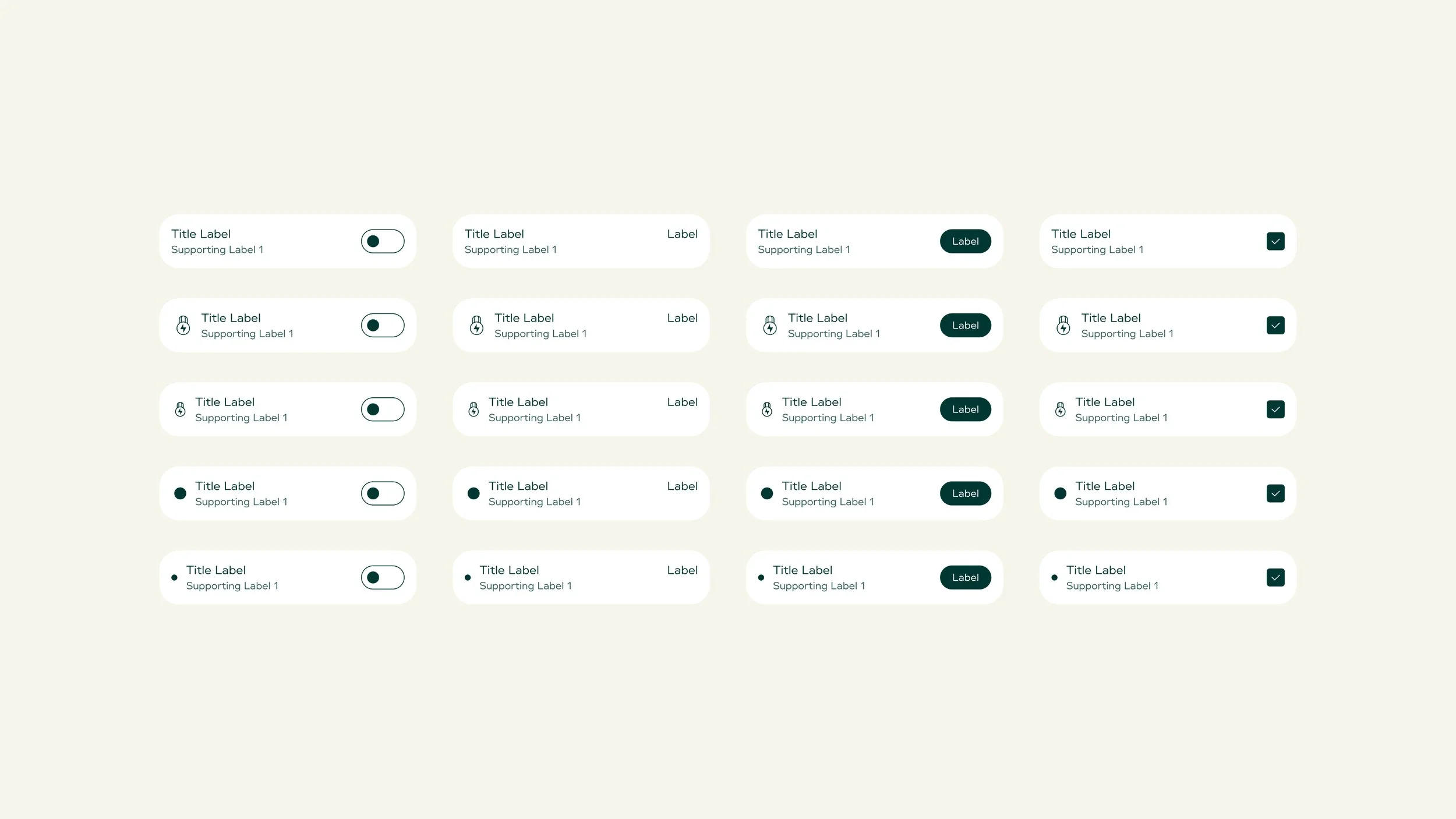
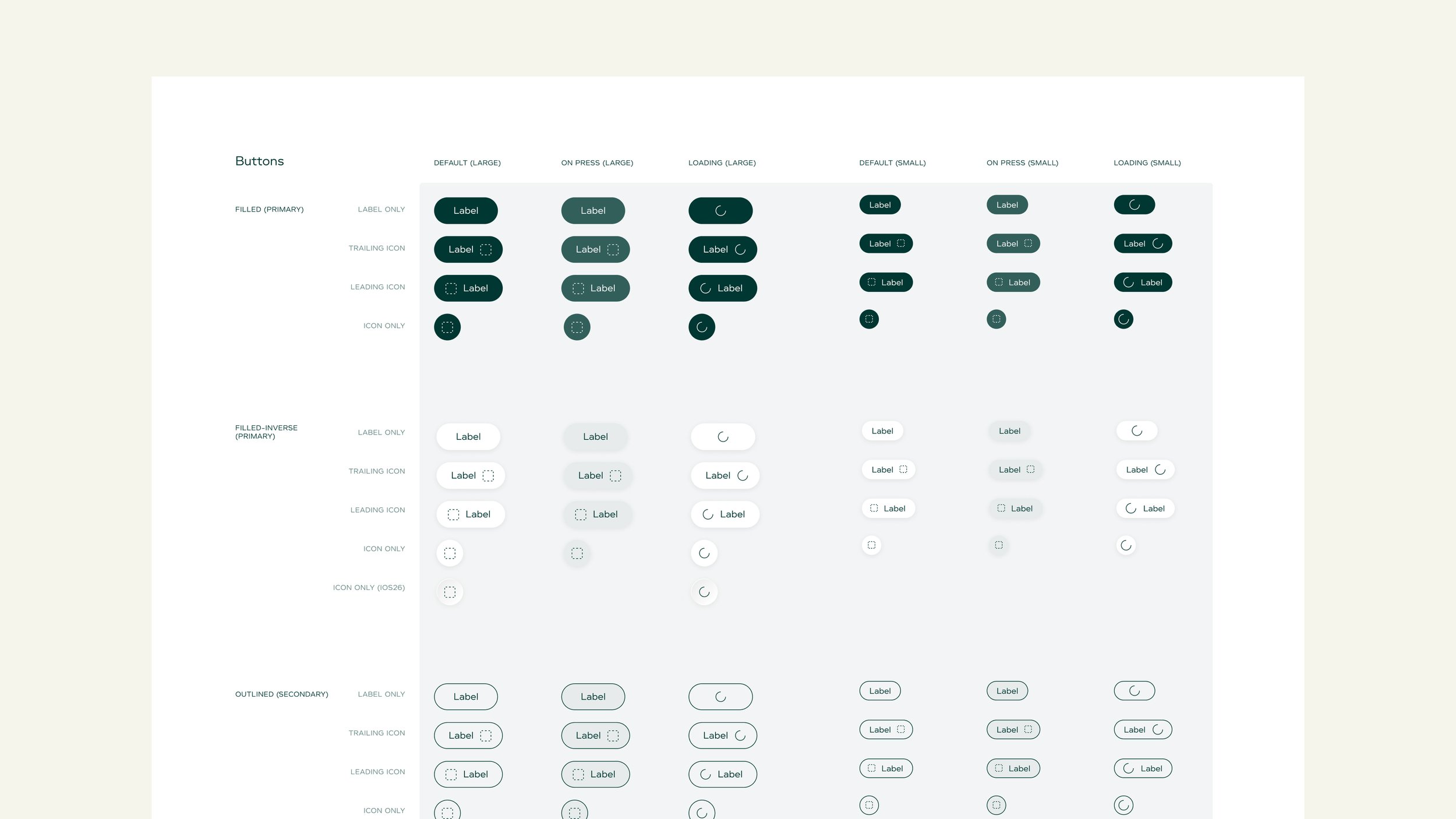
To ensure consistency across our product, we have invested in building and maintaining a shared design system Without it, inconsistencies can quickly emerge across the product, affecting the experience for both users and contributors.
Every component built in Figma is available in code across both Android and iOS platforms, and the same applies to all our tokens.
We also had a strong focus on supporting dynamic type throughout the design system, as 33% of our users have set a custom font size in their system settings. Additionally, when it makes sense we seperate components and patterns by platform, recognising that certain interactions and conventions do not translate equally well across Android and iOS — a vision that is shared across our design and development teams.